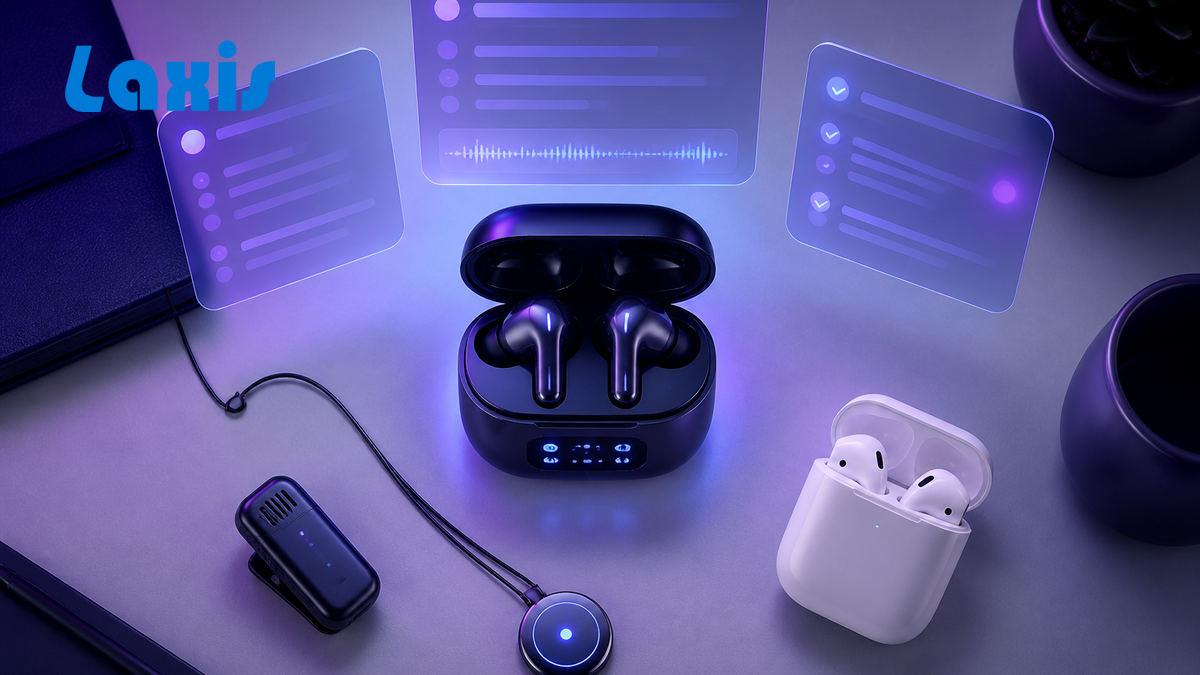
Les récapitulifs de réunions IA deviennent le nouvel « e-mail non lu » — voici ce qui les remplace
A 47-minute product review ends on a Tuesday afternoon. Two minutes later, the AI assistant drops a tidy summary in the team's Slack channel — eight bullet points, three action items, a sentiment score. By Friday, the marketing lead pings the channel asking who's owning the launch copy. It's right there in bullet six.
If that sounds familiar, you are not alone. A piece making the rounds this spring put it bluntly: "We're using AI to summarize meetings nobody wanted to attend. Then nobody reads the summaries." The author had data — three days after the recap was posted, teammates kept asking questions that the AI had already answered. Same channel. Same thread.
This is the part of the AI meeting story the vendors don't put on their landing pages. The transcription works. The summaries are coherent. The action items are extracted. And somehow, the work still falls through. Welcome to the era of summary fatigue, where teams generate beautiful artifacts that nobody opens and call it productivity.
The unread-email problem, version 2.0
Email taught a whole generation of knowledge workers a habit: the existence of a message is not the same as the message being read. We layered tools on top of email — Slack, Notion, Asana, Linear — partly because nobody was reading the email anymore. Now we've done the same thing to meetings.
A 60-minute call produces roughly 8,000 to 10,000 words of transcript and a recap that arrives in a channel already buried by yesterday's recaps. The Speakwise Meeting Overload 2026 report puts the financial cost at roughly $80,000 per professional employee in meeting time annually, with about $25,000 of that spent on meetings the employees themselves considered unnecessary. Fellow's analysis of team behavior found 44% of workers actively dread their calendar, and 45% admit to making excuses to skip meetings. Adding a perfectly summarized recap to the bottom of all that doesn't fix the structural problem. It just produces another artifact to ignore.
And here's where it gets stranger. A widely-circulated 2026 study found that teams using "instant summary" tools actually spent 15% more time on follow-up clarification emails than teams using no AI at all. The AI summary created a false sense of security — people stopped asking in the meeting because the recap would catch them up later. Then they didn't read the recap. So they asked the questions anyway, three days later, by email.
Try this: Audit one week's worth of AI meeting summaries from your team. Count how many were opened more than once. If the answer is fewer than a third, the problem isn't your tool — it's that the summary is parked somewhere nobody returns to. Move it.
Three artifacts, zero adoption
Walk into any modern team channel and look at what one ordinary meeting produces. A recording, sitting in a cloud folder, accumulating dust. A transcript, indexed but never searched. A summary, dropped in chat, scrolled past. Three artifacts. None of them load-bearing.
The reason is the same reason a good map is useless if you have to walk a mile to read it. The decisions a meeting produces need to live where the work happens — the CRM record for sales, the ticket for engineering, the task list for the team — not in a sidecar document that lives elsewhere. The moment someone has to open a second tab to find a decision, the decision starts to fade.
This is the actual job-to-be-done that AI meeting tools were supposed to solve, and most of them stopped one step short. They captured the conversation. They summarized it. They did not move it.
From taking notes to taking action
The shift happening now — quietly, but quickly — is from describing the meeting to doing the meeting's work. The bar is no longer "did the AI produce good notes." It's "by the time the call disconnects, is the work already in motion?"
That looks like a few specific things. The follow-up email isn't a blank screen waiting for the rep — it's a draft, in the rep's voice, that references the prospect's actual concerns from the call. The CRM isn't updated by someone retyping their notes on a Wednesday evening — the deal stage, the next step, the budget signal, all sit in the right fields the moment the meeting ends. The action items aren't a bulleted list in a doc — they're tasks assigned to specific people in the tool those people already use.
This is where tools like Laxis have been quietly pulling ahead of the transcription-first generation. On the Premium plan, call summaries, deal updates, and action items push directly into HubSpot or Salesforce — no middleware, no Zapier chain that breaks on Wednesday. The follow-up email arrives as a draft grounded in what was actually said, not a generic template. And because it all happens inside the workflow the team already runs, nobody has to remember to read anything.
If that sounds like a small change, consider what it eliminates. The 7-minute task of cleaning up notes after every call. The forgotten follow-up email that costs a deal. The CRM field that's blank because the rep was on their way to the next meeting. Multiply by every rep, every day, and the "small" change is the difference between a sales team that scales and one that just burns out faster.
A useful test for any meeting AI: 24 hours after a call, can someone new to the project understand what happened, what was decided, and what's owed by whom — without needing to ask a human? If yes, your tool is doing its job. If no, you don't have a content problem; you have an artifact problem. The information exists, but it's parked somewhere nobody returns to.
The accuracy paradox in agentic notes
Here's a wrinkle that doesn't show up in the marketing copy: once AI starts doing things instead of just describing them, the stakes around accuracy go up. Considerably.
A summary that gets a name wrong is annoying. A CRM update that pushes the wrong close date into Salesforce two weeks before quarter-end is a real problem. An action item assigned to the wrong person can quietly delay a launch by a week. The tools that will earn trust in 2026 are not the ones with the highest transcription accuracy on a clean studio recording — most are now in the 95% to 98% range on single-speaker audio. They're the ones that handle the messy reality: cross-talk, accents, three people in a conference room with a laptop mic, the senior engineer who cuts in three words at a time.
What separates the trustworthy from the merely fluent is rarely talked about: confidence indicators on extracted fields, a human-in-the-loop step for anything material, and an audit log when something gets corrected. Most teams that are doing this well start in what's effectively a "draft mode" — the AI fills the CRM fields, but a rep clicks approve before the record is committed. After a month, the model learns the team's conventions, the approval step starts to feel redundant, and the rep moves on to actually selling.
The teams that get this wrong tend to make the same mistake. They flip the autonomy switch on day one, get burned by a couple of bad updates, lose trust, and roll back. Then their reps go back to typing notes by hand, and they conclude AI doesn't work for sales. It does. The onboarding pattern just matters more than the model.
What changes when meetings end before the recap arrives
The end state of all this isn't "better summaries, faster." It's a meeting culture in which the recap stops being the deliverable at all. The call ends, you close the laptop, and the work is already moving — the email is drafted in your outbox, the CRM record reflects reality, the next-step task is in your tracker. The recap, if you generate one, is a courtesy, not a load-bearing artifact.
That sounds like a small distinction. It's not. It changes who reads the summary (mostly nobody, because they don't need to), what meetings are for (deciding, not documenting), and whether the AI is doing knowledge work or admin work. The cognitive load research is starting to back this up — researchers at George Mason University have been writing about "brain fry," the mental fatigue specific to interacting with AI tools that expand the sphere of accountability. The version of AI that helps is the one that removes work, not the one that adds a new document to read.
The next twelve months in this space are going to be defined less by transcription benchmarks and more by integration depth — how cleanly the AI talks to the CRM, the email client, the task tracker, the calendar. Whoever closes the loop between conversation, decision, and action with the least friction wins the next wave. Notes are no longer the destination. They're the byproduct.
Quick reality check: Once a month, look at the action items your AI generated in the past 30 days and tally how many actually got done. If it's under half, the issue almost certainly isn't your tool's intelligence — it's that the items never made it into a system anyone uses. Fix the destination, not the model.
Stop sending summaries. Start sending outcomes.
Laxis turns every call into a drafted follow-up email, a clean CRM update, and assigned action items — automatically. Free plan includes 300 minutes per month.
👉 Télécharger Laxis pour ordinateur
The bottom line
The first generation of AI meeting tools answered a question that turned out to be the wrong one: how do we capture what was said? We've solved that. The transcripts are good enough. The summaries are coherent. The action items get extracted. What we didn't solve was the much older problem underneath it — that meetings produce decisions and decisions produce work, and work that doesn't get into the right system doesn't get done.
The teams pulling ahead this year aren't the ones with the prettiest summaries. They're the ones whose meetings end with the work already underway. Whether you get there with Laxis or with something else, the right question to ask a vendor in 2026 isn't how accurate is your transcription? It's where does the output go, and who actually uses it? If the answer is "into a doc, and we hope someone reads it," you already know how that story ends.