
Download started
You are almost there
The installer will start automatically. If nothing happens, use the link below to get the file.
1
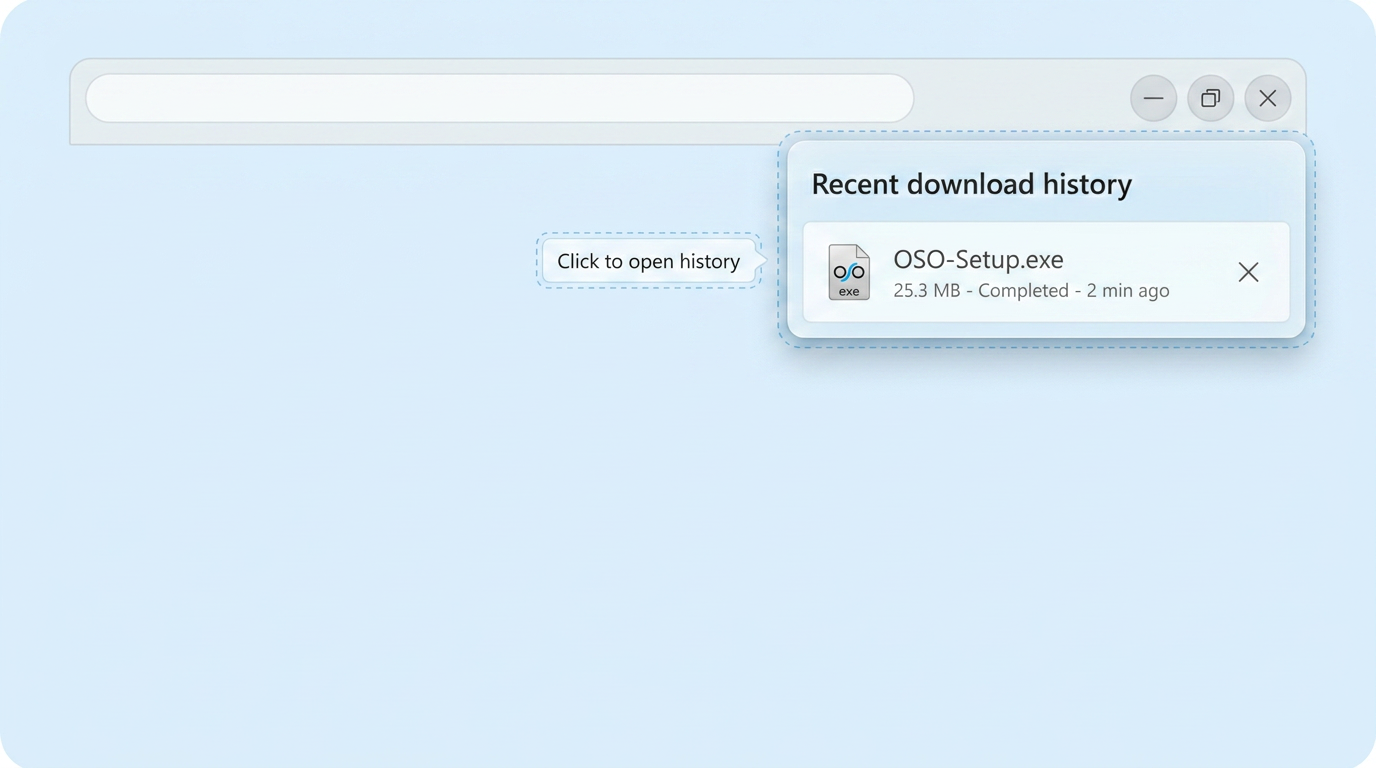
Run the installer
In your Downloads folder, double-click the OSO .exe file to start setup.
2
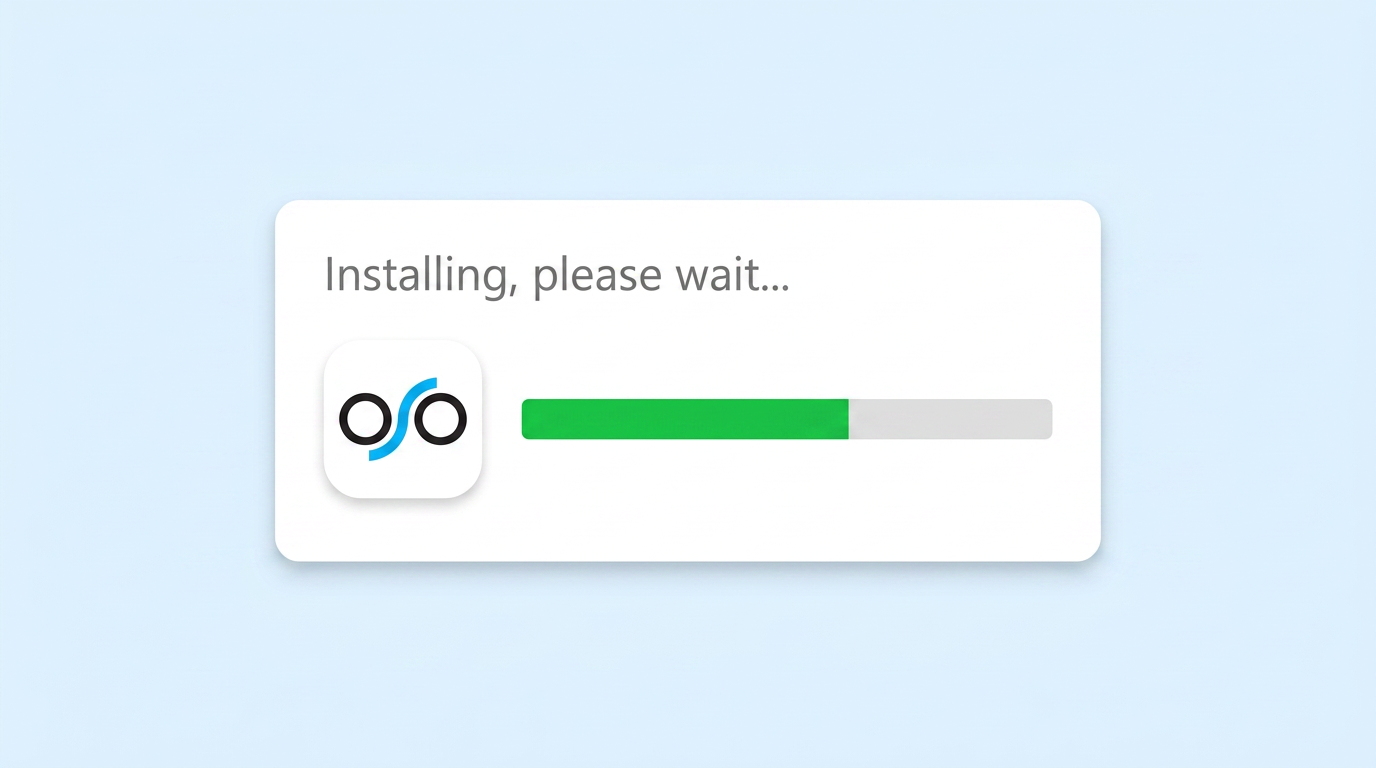
Complete setup
Follow the on-screen steps. When finished, launch OSO from the Start menu or desktop.