
Download started
You are almost there
The installer will start automatically. If nothing happens, use the link below to get the file.
1
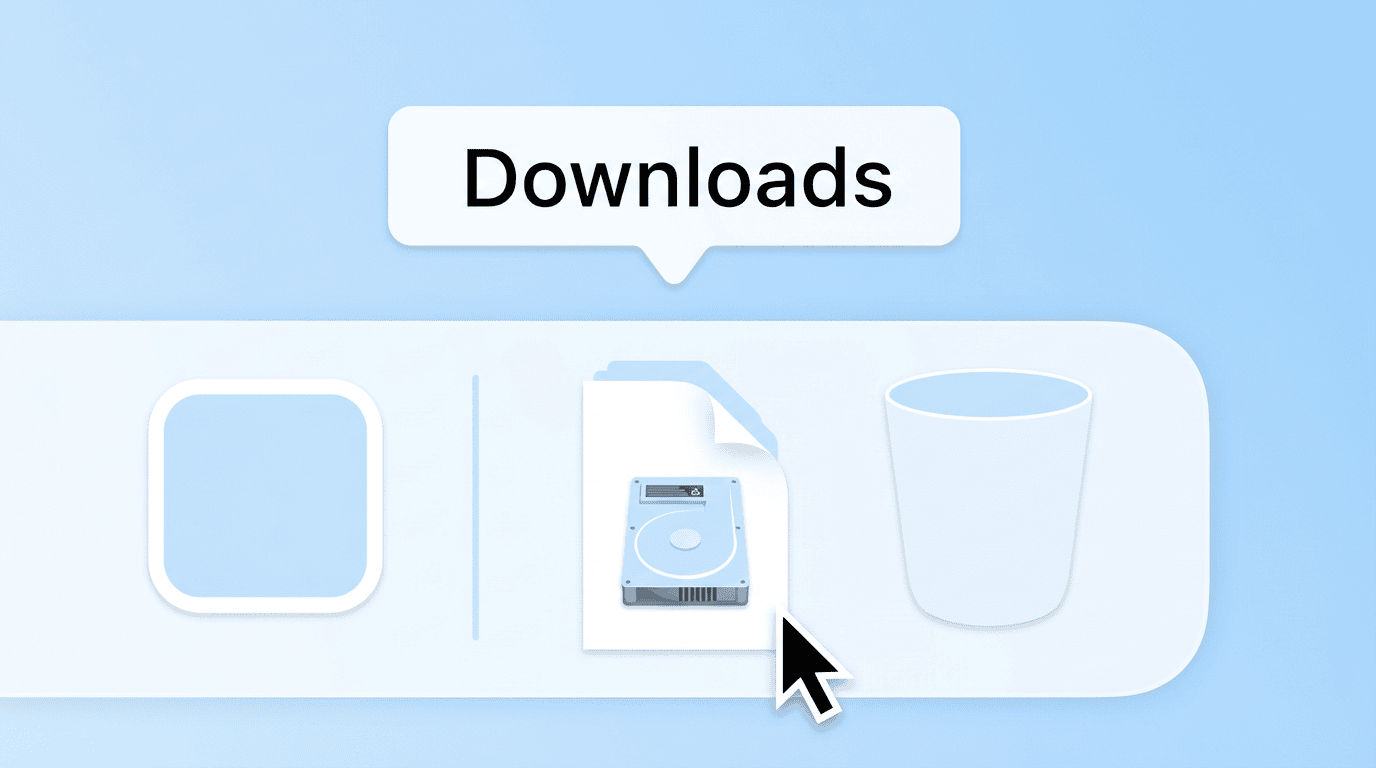
Open the disk image
In your Downloads folder, double-click the OSO .dmg file to mount it.
2
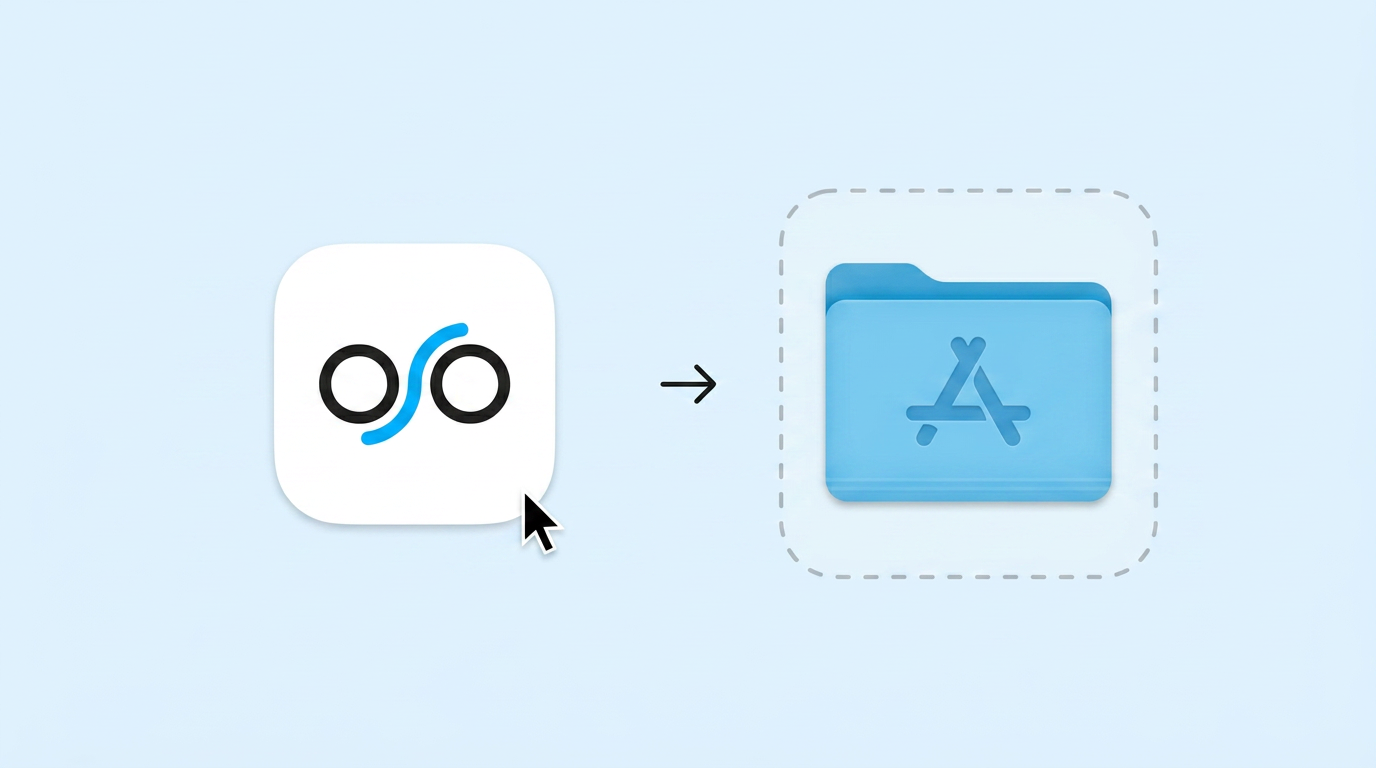
Move OSO to Applications
Drag the OSO icon into your Applications folder to install.
3
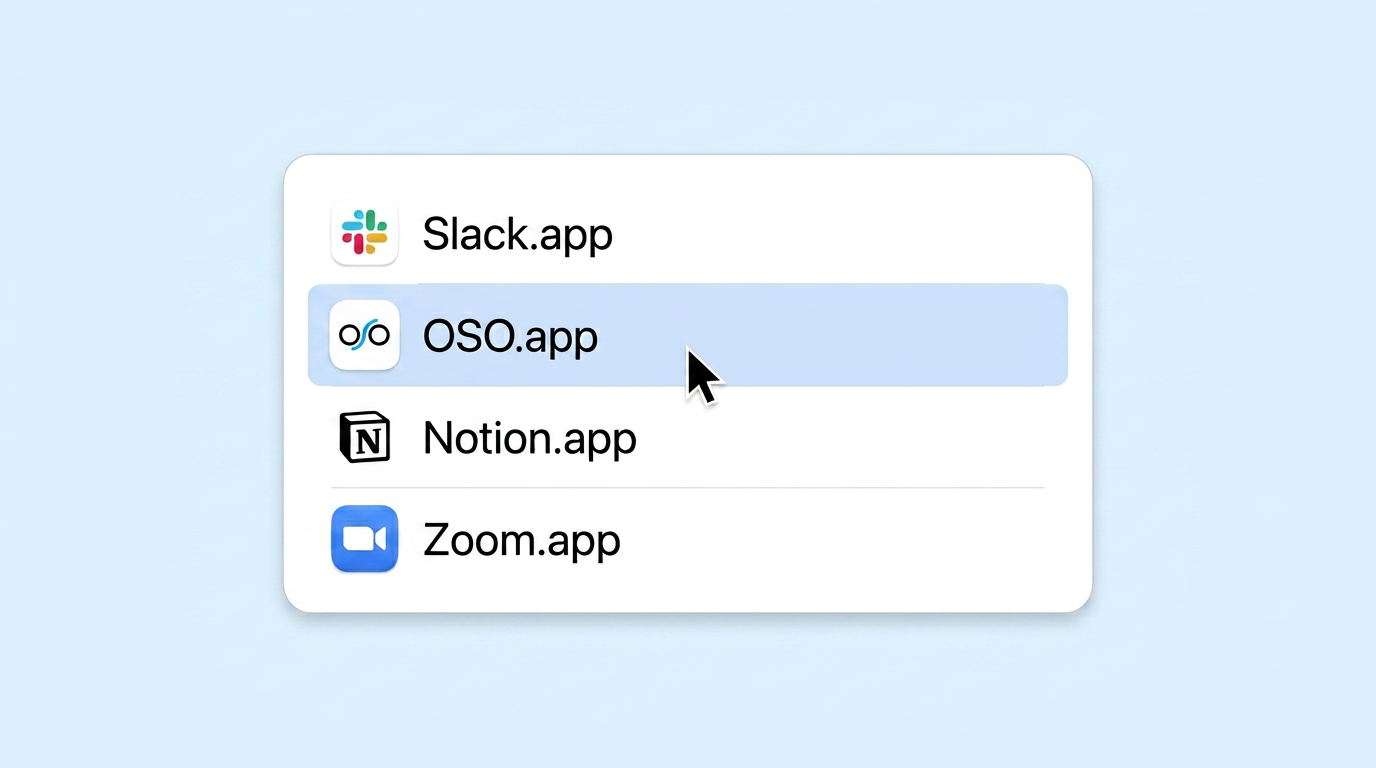
Launch the app
Open OSO from your Applications folder or Spotlight to get started.