Wearable AI Recorders Are Everywhere — But Can They Actually Replace Your Meeting Assistant?
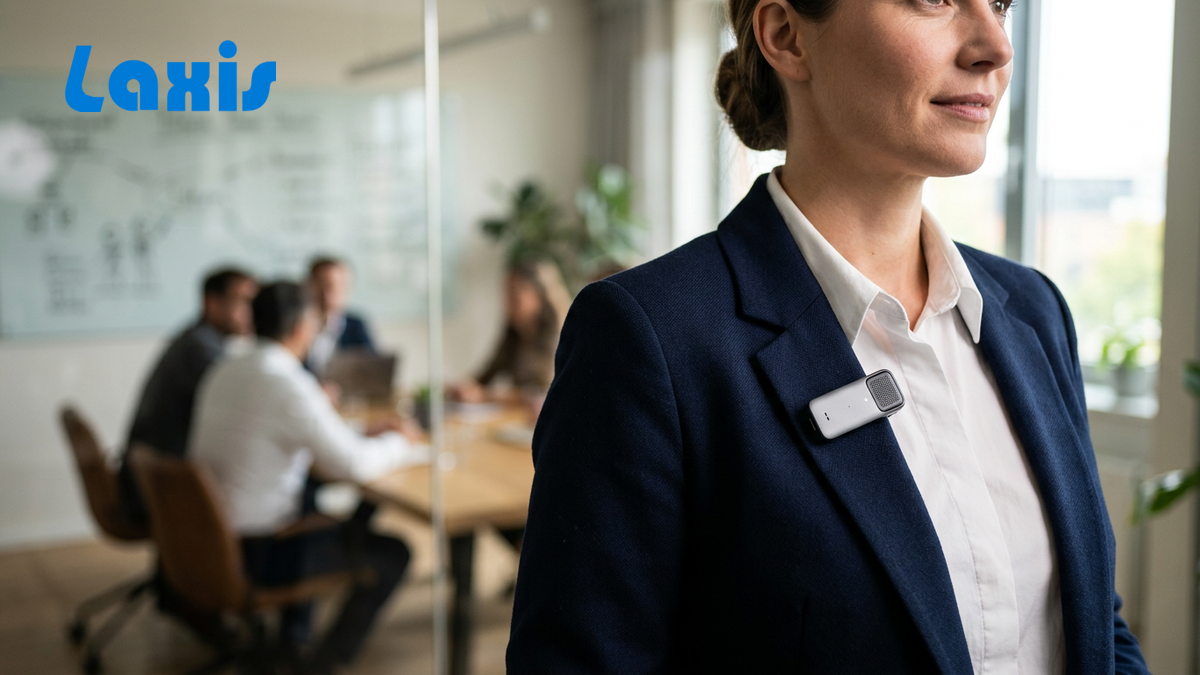
The wearable AI recorder market exploded in 2025 and hasn't slowed down. Devices like the Plaud NotePin, iFLYTEK's ANYPIN, and Bee AI are selling faster than anyone predicted, riding the wave of professionals who are tired of typing notes and want something that just captures everything automatically.
The pitch is magnetic: clip a tiny device to your shirt, walk into any meeting, and get a perfect transcript when you walk out. No apps to open, no bots to invite, no setup. Just record and go.
But here's what the marketing materials won't tell you: wearable recorders and software meeting assistants solve fundamentally different problems. Choosing the wrong one doesn't just waste money — it creates workflow gaps that cost your team hours every week.
After a month of research — testing devices, comparing workflows, and talking to sales teams using both approaches — here's what actually matters for the decision.
Why Wearable Recorders Are Booming Right Now
The timing makes sense. Remote and hybrid work created a massive need for meeting documentation, but the first generation of AI meeting assistants came with a visible trade-off: a bot joining the call. Wearable recorders emerged as the "no bot, no friction" alternative.
The Hardware Players
Plaud NotePin is the current market leader. At just 0.59 ounces, it's barely noticeable clipped to a shirt collar. The specs are impressive: 20 hours of battery life, 64GB of storage (roughly 240 hours of recording), and support for 112 languages. The device costs $179 upfront, with AI features requiring a subscription — $6.99/month for the basic plan or $16.99/month for the pro tier with GPT-4o-powered summaries.
iFLYTEK's ANYPIN won the 2026 iF Design Award and brings serious competition from the company that's dominated Chinese speech recognition for decades. Their iFLYBUDS Pro 2 earbuds combine recording with real-time translation, claiming 98% accuracy in optimal conditions and a 7-meter pickup range. The ecosystem approach — pin, earbuds, and desktop app — is more integrated than most competitors.
Bee AI took a different approach: an Amazon-backed, $49 device that tethers to your smartphone via Bluetooth. It's the budget entry point, trading standalone capability for a lower price and reliance on your phone's processing power and connectivity.
Limitless Pendant was a promising contender until Meta acquired the company in December 2025. The product is no longer available for purchase, and its future as a standalone device is uncertain.
Why People Love Them
The appeal is genuine, not just marketing hype:
- No bot fatigue. Nothing joins your call. Nothing shows up on the participant list. The recording is invisible to everyone else.
- Always recording. Clip it on in the morning, take it off at night. Every conversation, hallway chat, and phone call gets captured without any deliberate action.
- Offline capability. No internet required for recording. The device stores everything locally and syncs when connected.
- Physical presence. There's something psychologically satisfying about a dedicated device. It signals intent in a way that software running in the background doesn't.
1.5 million+ Plaud users as of April 2026, making it the fastest-growing AI hardware product in the productivity category.
But Here's Where Wearable Recorders Actually Fall Short
Audio Quality in Noisy Environments
A recorder clipped to your chest is 2–3 feet from your mouth and the same distance from every other sound source in the room. In a quiet conference room, this works fine. In a busy coffee shop, an open-plan office, or a conference floor, the audio quality degrades significantly. Speakerphone calls are particularly problematic — the recorder picks up the tinny speaker output mixed with ambient noise.
No Real-Time Transcription
Every wearable recorder on the market processes audio after the recording ends. You finish a 60-minute meeting and then wait for the transcript. For sales teams that need to update CRM fields between back-to-back calls, this delay creates a workflow bottleneck. You either wait for processing or do the data entry manually — which defeats the purpose.
No Display, Lots of Guessing
Without a screen, there's no way to verify recording status, check battery level, or see transcription quality in real time. A blinking LED tells you the device is recording, but you won't know if the audio quality is usable until after the fact. Anyone who's discovered a critical meeting recorded as garbled noise understands why this matters.
Zero CRM Integration
This is the deal-breaker for most sales teams. Wearable recorders produce a transcript and a summary. Getting that information into Salesforce, HubSpot, or any other CRM requires manual copy-paste or a third-party integration that doesn't exist yet. For teams where CRM hygiene directly impacts pipeline accuracy and forecasting, this gap is a non-starter.
Team Knowledge Is Isolated
Wearable recorders are personal devices with personal accounts. Your transcript lives in your app. A colleague can't search your recordings, your manager can't review call patterns across the team, and new hires can't access the institutional knowledge captured in six months of conversations. The knowledge stays siloed.
Subscription Fees Add Up
The $179 hardware cost is just the beginning. Plaud's AI features require $6.99–$16.99/month. iFLYTEK's premium transcription runs $8–$15/month. Over two years, a $179 device with a $13/month subscription costs roughly $490 — and you still don't get CRM integration or team features.
Different Tools, Different Jobs: The average knowledge worker spends about 80% of meeting time on video calls and 20% in person. Choosing your tool based on the 20% use case while ignoring the 80% is a common and costly mistake.
The Software Meeting Assistant Advantage
Automatic Join = Zero Friction
Software meeting assistants connect to your calendar and automatically join scheduled calls. There's nothing to clip on, nothing to charge, nothing to remember. If it's on your calendar, it's being recorded and transcribed. For teams running 5–8 calls per day, this invisible automation is the difference between 100% capture and the inevitable "I forgot to start recording" gaps.
Native CRM Integration
This is where software pulls decisively ahead for revenue teams. After a call, the transcript is automatically processed and key data — next steps, action items, competitor mentions, pricing discussions — gets pushed directly into your CRM record. No copy-paste, no manual entry, no "I'll update it later" that becomes "I never updated it."
Team Search and Collaboration
When every team member's calls feed into a shared, searchable knowledge base, the value compounds. Reps can search across all team calls for how top performers handle a specific objection. Managers can spot coaching opportunities without sitting in on calls. New hires can ramp faster by learning from real conversations instead of scripted training materials.
Real-Time Transcription
Software assistants process audio in real time, delivering live transcription during the call. This enables real-time note-taking, live coaching alerts, and immediate post-call summaries — no waiting for processing.
No Bot Fatigue (With Laxis Specifically)
Here's where Laxis breaks the usual trade-off. Most software meeting assistants require a visible bot to join the call — a named participant that everyone can see. Laxis captures audio natively without adding any participant to the meeting. You get the full power of a software platform — CRM integration, team search, real-time transcription — without the bot on the call.
Side-by-Side Comparison: Wearable Recorders vs. Laxis
| Feature | Wearable Recorders (Plaud) | Laxis |
|---|---|---|
| Hardware Cost | $179 upfront | None |
| Auto-Join Video Calls | Manual recording | Automatic |
| CRM Integration | None | Salesforce, HubSpot |
| Real-Time Transcription | No | Yes |
| Team Search / AI Chat | Personal only | Team-wide search |
| Report Templates | Basic | 50+ templates |
| In-Person Meeting Capture | Excellent | Not designed for it |
| Privacy (No Bot on Call) | Yes | Yes (unique in market) |
| Battery/Charging | Device to charge | Computer-based |
| Subscription Cost | $8–$20/month | Competitive software pricing |
What Sales Teams Actually Need in 2026
Let's make this concrete with a typical day.
Sarah's workflow with Laxis: She opens her laptop, and her five scheduled calls are already queued for automatic recording. Each call gets transcribed in real time. Between calls, she spends 90 seconds reviewing the AI-generated summary, confirms the action items, and the CRM record updates automatically. At end of day, her manager searches across all team calls for mentions of a new competitor and finds twelve instances with context in minutes.
Sarah's workflow with Plaud: She clips on the NotePin before her first call. After each call, she waits for the transcript to process. She manually copies key points into Salesforce, typing the same information the device already captured but can't push to her CRM. Her manager asks about competitor mentions and she tries to remember which calls included them, then searches her personal Plaud app one recording at a time.
The individual moments seem small. But across a team of 15 reps running 6 calls each per day, the difference in documentation quality, CRM accuracy, and accessible team knowledge is enormous.
86% of meetings in 2026 had at least one remote participant, making video-call-optimized tools the baseline requirement for most teams.
When Wearable Recorders Actually Make Sense
Wearable recorders aren't the wrong choice for everyone. They're excellent for specific use cases:
- In-person interviews and field research where no video call exists and a physical recorder is the only option
- Conferences, trade shows, and networking events where you're having dozens of brief conversations that would otherwise be lost
- Field work in industries like real estate, construction, or healthcare where you're away from a computer and need to capture observations and conversations on the go
- Privacy-sensitive environments where even native audio capture feels too intrusive and a visible physical device actually builds trust by making the recording explicit
The common thread: these are situations where a computer isn't present, a video call isn't happening, and the alternative is taking no notes at all.
Frequently Asked Questions
Do wearable AI recorders work better than software for sales calls?
For most sales calls in 2026, software meeting assistants outperform wearable recorders because the majority of sales conversations happen over video calls. Software tools auto-join calls, transcribe in real time, integrate with CRMs, and enable team-wide search — features that wearable recorders don't offer. Wearable recorders are better suited for in-person meetings where no video call exists.
What are the main limitations of wearable AI recorders?
The biggest limitations are lack of CRM integration, no real-time transcription, isolated personal knowledge bases that don't support team collaboration, audio quality degradation in noisy environments, and ongoing subscription costs on top of hardware investment. For sales teams, the CRM gap alone is often a disqualifying factor.
Can Plaud NotePin replace a software meeting assistant?
Not for most sales workflows. Plaud excels at personal recording and transcription for in-person conversations, but it lacks automatic video call joining, CRM integration, team search capabilities, and real-time transcription. It can supplement a software assistant for in-person meetings but rarely replaces one for teams that run primarily on video calls.
How much does Plaud cost compared to Laxis?
Plaud costs $179 upfront for the device plus $6.99–$16.99/month for AI features, totaling roughly $260–$380 in the first year. Laxis has no hardware cost and offers competitive software subscription pricing. The total cost comparison depends on your plan tier, but Laxis typically delivers more functionality per dollar for teams focused on video-call-based workflows.
Does Laxis work without a bot joining the call?
Yes. Laxis captures audio natively without adding any visible participant or bot to the meeting. This is a key differentiator — you get the full capabilities of a software meeting assistant (CRM integration, team search, real-time transcription, AI summaries) without the bot-on-call dynamic that makes some meeting participants uncomfortable.
Which is better for team collaboration and CRM integration?
Software meeting assistants win decisively on both fronts. Laxis offers native Salesforce and HubSpot integration, team-wide search across all recorded calls, shared templates, and collaborative features. Wearable recorders are personal devices with personal accounts — there's no built-in way to share knowledge across a team or push data into CRM systems automatically.
What happened to the Limitless Pendant?
Meta acquired Limitless in December 2025. The Limitless Pendant is no longer available for purchase as a standalone product. The company's technology is expected to be integrated into Meta's product ecosystem, but no specific product announcements have been made. Teams that were evaluating the Limitless Pendant should consider alternative options.
Should I use both — a wearable recorder and software?
For most sales teams, software handles 80%+ of the use case (video calls). If your team has significant in-person meeting activity — client dinners, trade shows, field visits — adding a wearable recorder for those specific situations can fill the gap. But start with the software that covers your primary workflow, then add hardware for edge cases rather than the other way around.
The Bottom Line
Wearable AI recorders are genuinely impressive devices that solve a real problem: capturing in-person conversations without friction. For individual knowledge workers who spend most of their day in face-to-face meetings, they can be transformative.
But for sales teams, customer success teams, and any organization where video calls dominate and CRM integration matters, wearable recorders are the wrong primary tool. They lack the workflow automation, team intelligence, and system integration that modern revenue teams depend on.
The smartest approach is matching the tool to the job. Use software like Laxis as your primary meeting intelligence platform — it handles the 80% of meetings that happen over video with automatic recording, real-time transcription, CRM sync, and team-wide search. If in-person capture matters for your specific role, add a wearable recorder for those situations. But build your workflow around the tool that covers the majority of your work, not the one that covers the exception.


